ColorPaint
A calm colouring app for iPhone and iPad, for kids and adults: tap or hold to fill, colour with Apple Pencil, or turn your own photo into a pixel picture. In development.
Coming soon
ColorPaint is in development
Not released yet. It is being built for iPhone and iPad first; the screenshots on this page come from the current build.
- Coming soon onApp Store
ColorPaint is a colouring app made for touch: a finger or Apple Pencil on an iPhone or iPad. It is meant to feel good for a child and for an adult winding down in the evening.
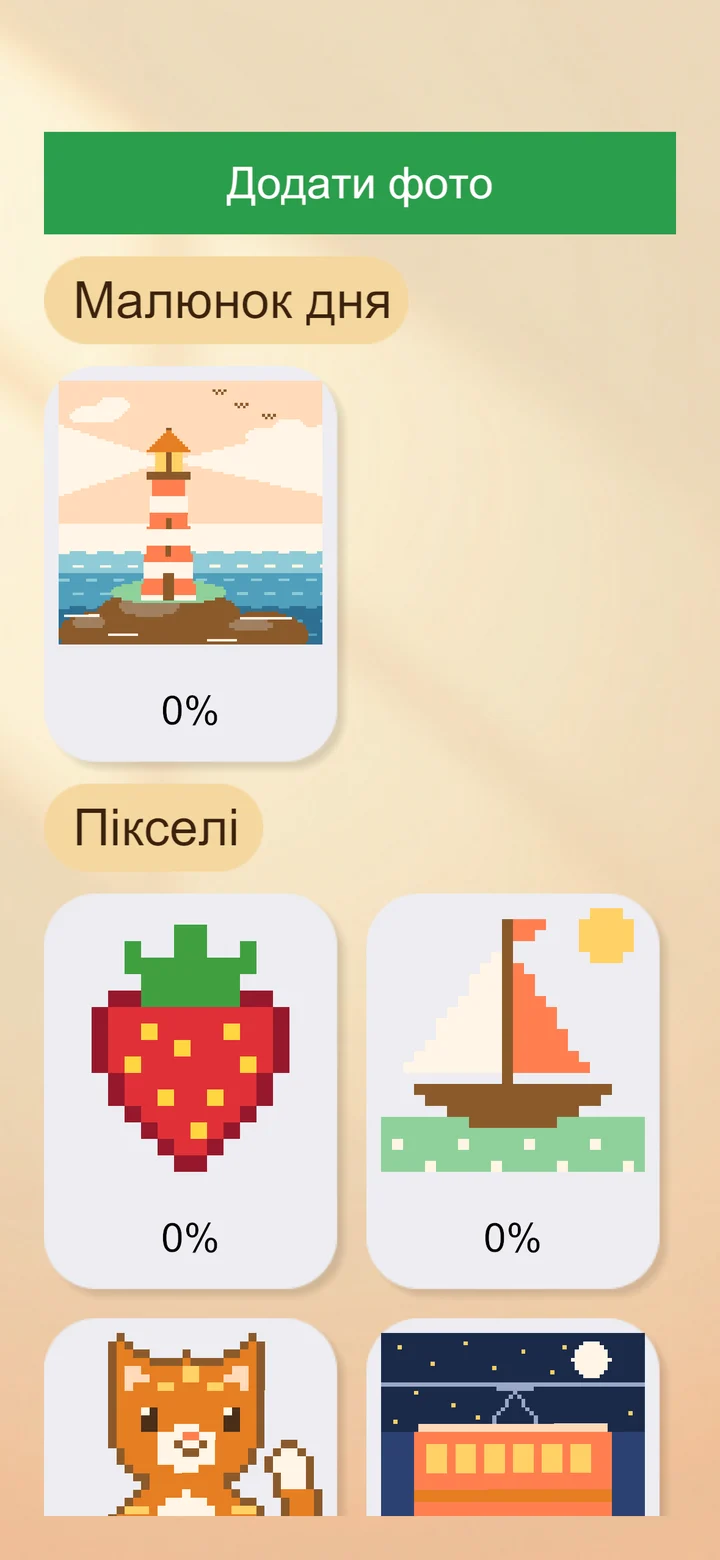
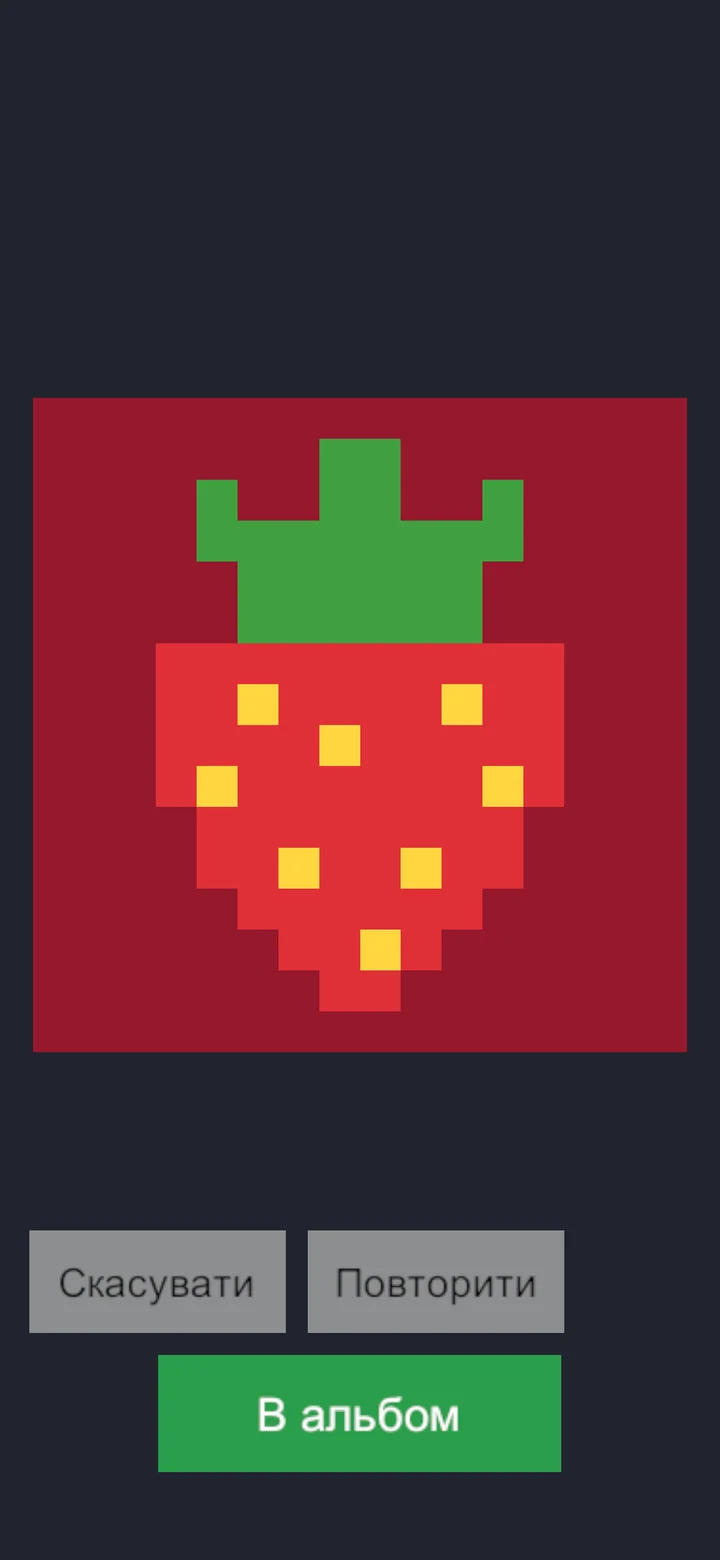
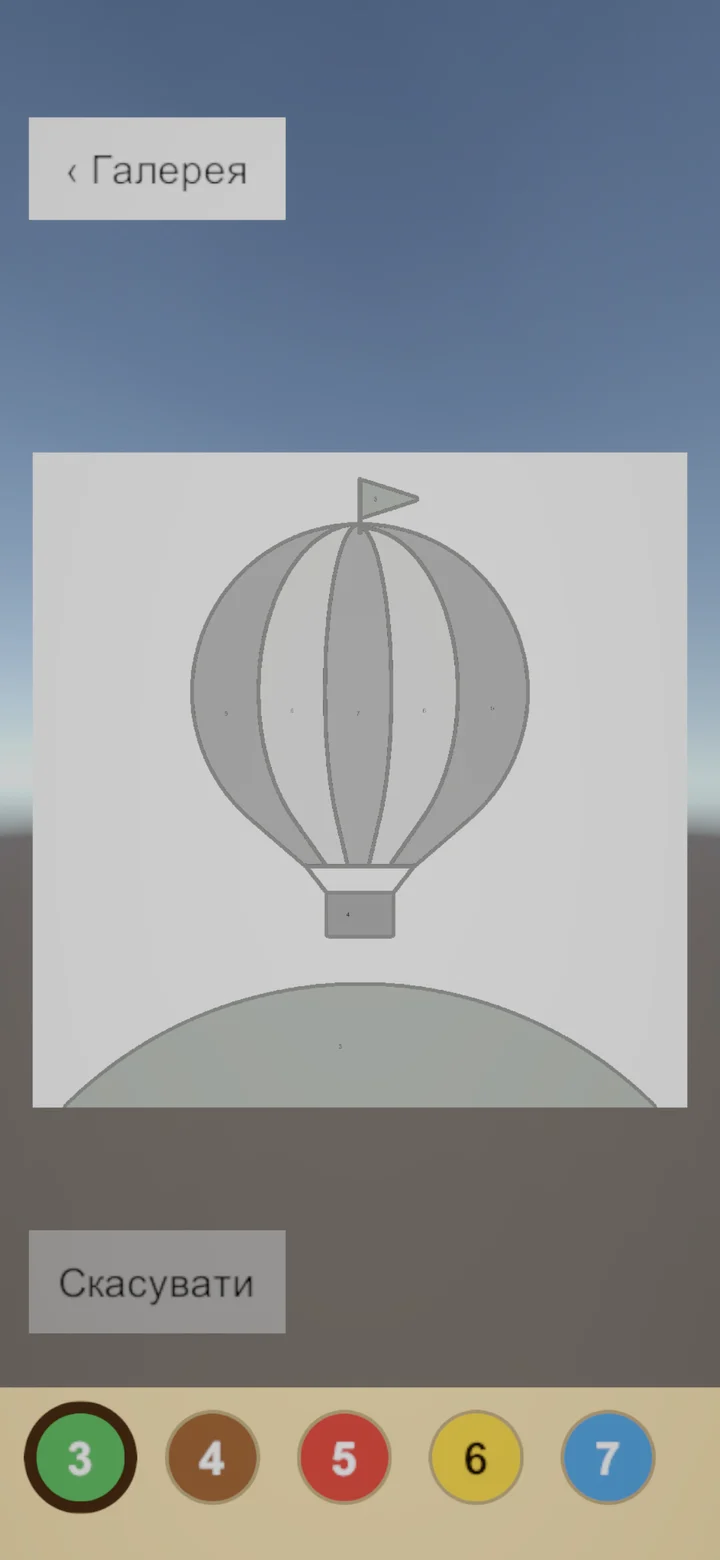
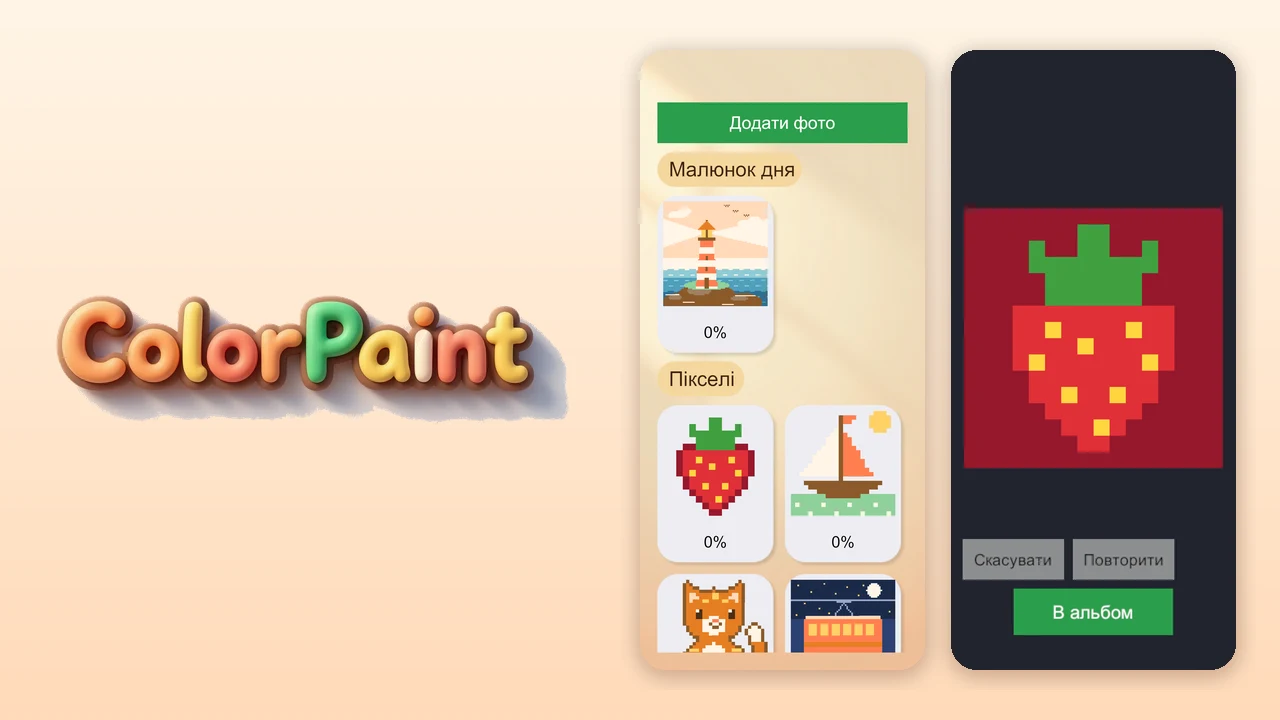
There are two albums. In the pixel album every cell has a number: tap a cell to fill it, drag to fill a row, or hold half a second to fill a whole group of the same colour. In the contour album the pictures are drawn in warm, rounded line art, and each region fills with its colour when you tap it.
You can also pick a photo from your gallery and the app turns it into a pixel picture of your own. Undo and redo, pinch and pan, a «find» button for the last empty cells, sound, and a finish moment round it off.
The pictures go through my own level pipeline (palette quantisation, regions and line art, cut into tiles that stream in on demand), and the art is generated locally on my own machine in one warm 3D-cartoon style.
My role
Team
Platforms
- iOS
Stack
- Unity 6
- URP
- C#
- Compute shaders
- Addressables
Solo developer
What I did
- 01Game design document and the feel rules: what a tap, a drag and a half-second hold do, and what the bottom row holds (swatches, undo, find).
- 02Unity 6000.6 and URP: pixel canvas with stroke undo, contour fill on the GPU (compute shader masks over streamed tiles), pinch/pan camera, progress saves.
- 03Editor level pipeline that turns a picture into a colouring level: palette, regions, numbers, tiles.
- 04Photo import: a picture from the gallery becomes a pixel work with its own saved progress.
- 05A child mode with big shapes, a gallery with progress marks, sound and a finish celebration.
- 06Built with my own AgentHub studio: AI agents plan small cards, write code and tests, and render before/after shots that are checked against the style board, while I set the direction and review every merge.
What stands out
- 01Two ways to colour: numbered pixel pictures and warm line-art pictures.
- 02Tap, drag, or hold half a second to fill a whole group at once.
- 03Your own photo becomes a pixel picture.
- 04Made for touch and Apple Pencil, phone and tablet first.
See it in action