
RG Quick Game
American-football team-picker and quick-match prototype with helmet customization, IAP-gated teams/venues and a Bowl results screen.
RG Quick Game was an American-football-themed prototype built at Siligin Software on Unity 2018.1.9f1 (project settings left at defaults, bundle version 1.0), distinct from the studio's separate QuickBall ring/arc arcade project. The flow was a 'Quick Game' mode: choose a player team and a CPU opponent from a roster of teams with individual stats (receiving, pass accuracy/power, defense, offensive/defensive line, tackling, rushing, kicking), pick a game setting/venue, then proceed to a Bowl (results) screen, with locked teams and settings unlockable via in-app purchase or an 'unlock all' IAP.
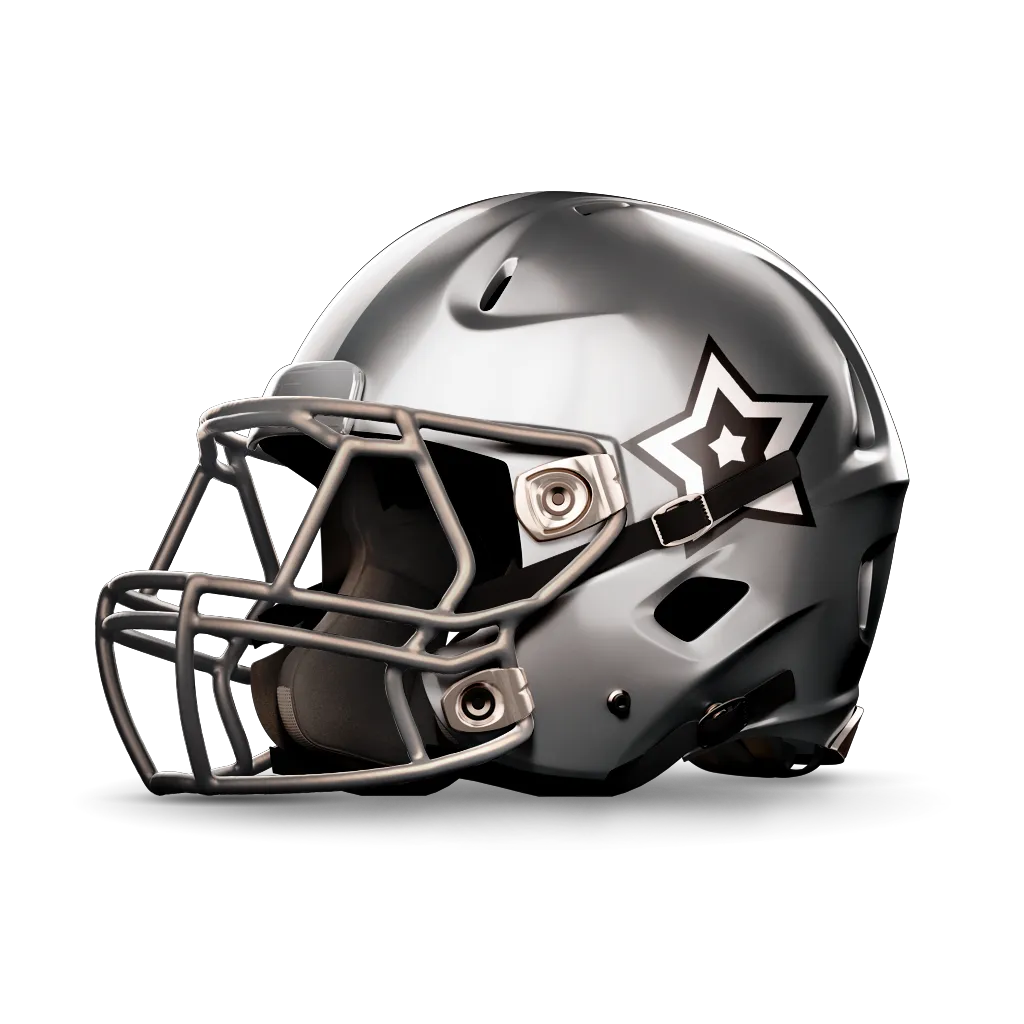
The UI was assembled from off-the-shelf kits (Modern & Clean GUI, MODUS UI) with a custom screen/state-machine layer (ScreenManager, BaseScreen, PopupManager) and a horizontal scroll-centering picker for teams and settings. The one clearly bespoke art asset was a set of layered, swappable football-helmet renders (base/color/effects/logo/face-mask/strip-color/shadow layers) used for team customization. No on-field match-simulation code was present in the export, indicating the project stayed at the team/setting-selection and monetization-flow stage rather than reaching playable gameplay.
My role
Team
Platforms
- Android
- iOS
Stack
- Unity 2018.1.9f1
- C#
- Unity IAP
- TextMesh Pro
Lead
What I did
- 01Led Unity development as team lead, structuring the screen/state flow (ScreenManager, BaseScreen, PopupManager, Singelton-based managers) for the team-select -> setting-select -> quick-game -> bowl-results pipeline
- 02Built the team and settings selection UI: scroll-centering horizontal pickers, team/CPU-team selection, lock/unlock states tied to purchase status
- 03Wired Unity IAP (Purchasing) for unlocking individual teams/settings and an 'unlock all' purchase via a dedicated PurchaseManager/Purchaser
- 04Integrated a layered, swappable helmet-customization asset (base/color/effects/logo/face-mask/strip/shadow PNG layers) for team visual identity
What stands out
- 01Built on Unity 2018.1.9f1; project settings left at engine defaults (company/product name, bundle version 1.0), indicating an early-stage internal prototype
- 02American-football team-vs-team 'Quick Game' flow: team select, CPU opponent select, venue/setting select, Bowl results screen
- 03Per-team stat model (receiving, pass accuracy/power, defense, offensive/defensive line, tackling, rushing, kicking) driving team differentiation
- 04Unity IAP-gated content (locked teams and settings, 'unlock all' purchase) layered on top of the selection flow
See it in action